
TLDR
Treat your cube like software: keep a master list, keep “patch notes,” and only print what changed.
Legibility beats realism: if someone has to squint, your cube is doing cardio instead of drafting.
Consistency prevents drama: identical sleeves, consistent cardstock, and no “I can feel the Black Lotus” nonsense.
Use a “core + flex” layout: lock most of the cube, rotate a small set of test slots each update.
Remember the line: proxies are for casual play and testing, not for sanctioned events and not for fooling anyone.
You built a cube because you love drafting the exact environment you want. Then you discovered the hidden mini game: maintenance. Your cube becomes a living document, every new set looks like “free updates,” and suddenly you are standing in front of a pile of sleeves wondering when this became a second job.
This pillar is about MTG cube proxies and the boring, reliable systems that keep your cube current without reprinting the whole thing every time you get excited about a new two drop.
What “proxying a cube” really means (and what it should not)
A cube is a curated pool of Magic cards you draft like a homemade set. Wizards’ own write ups describe Cube Draft as a casual format built from at least 360 cards, often more, and used to create 15 card “packs” for a normal draft. That’s the whole magic trick. You control the card pool, so you control the experience.
Proxying a cube is simply using stand in cards to represent real MTG cards in that pool. Sometimes that’s because the real cards are expensive. Sometimes it’s because you want to test a card before buying it. Sometimes it’s because you want your cube to have a consistent visual theme and your real collection is a pile of mismatched printings from 1997 to last Thursday.
The important boundary is intent and transparency.
A proxy (in the normal player sense) is a play piece for casual games that is not trying to be passed off as authentic.
A counterfeit is made to look authentic for deception or resale. Hard pass.
This is not legal advice, and store policies vary. When in doubt, ask the event organizer before you show up with a cube box and a grin.
Wizards has been pretty direct about this distinction. Their stated policy is that sanctioned events require authentic Magic cards, with a narrow judge issued exception if a card is damaged during the event. They also say they have no desire to police playtest cards made for personal, non commercial use, even if that happens in a store, as long as it is not a sanctioned event.
So for cubes, the practical rule is simple:
At home or in a casual cube night: proxies are usually fine, assuming your group is on board.
In a sanctioned tournament: proxies are not something you bring. In official policy, “proxies” are a judge tool, not a player choice.
If you want a fuller “how we got here” story, our own back catalog has a good read: The history of MTG proxies.
MTG cube proxies: Legibility beats realism every time
If you want your cube to feel good, aim for “draftable,” not “museum replica.”
When people argue about cube proxies, they often argue about aesthetics. The table will forgive imperfect art choices. The table will not forgive a proxy that forces everyone to ask, “Wait, what does that do?” every single time it hits the battlefield.
Here is the legibility standard I use, and it’s intentionally boring:
The “no squint” checklist
Name: should be readable across the table.
Mana cost: should be readable at a glance (especially hybrid and phyrexian costs).
Type line: should be clear enough that new drafters don’t misread a creature as an enchantment.
Rules text: should include the functional text, or you need an agreed upon backup (Oracle text on a phone is fine, but it can’t be a constant crutch).
Power and toughness / loyalty: should be obvious when it matters.
Proxy marking: should be clear (small but visible) so nobody confuses it for an authentic card later.
That last bullet is doing more work than it looks like. Clear marking keeps your cube honest, and it keeps you far away from anything that smells like counterfeiting. It also helps when you sell or trade real cards later, because you are less likely to accidentally mix a proxy into your “real binder of regrets.”
Consistent frames reduce cognitive load
Most cubes already ask players to process unusual board states. If your proxy package also uses five different frame styles, three fonts, and a “minimalist” text box that is basically an empty rectangle, you are adding friction for no payoff.
Pick one template style for your proxies and stick to it. If you love special frames, use them intentionally:
Use one special frame treatment for a whole cycle (like all the dual lands).
Use “showcase” or full art only when it does not hurt readability.
Avoid novelty designs for cards that show up constantly (like mana fixing). Those need to be readable at draft speed.
A good cube feels like a set. A good proxy cube feels like a set with the text still intact.
If you want a Limited first way to think about cube construction, our post Magic design changes for proxy players talks about “as fan” thinking and density, which is a fancy way of saying: make sure drafters actually see the kinds of cards you want them to draft.
Consistency is fairness (and also how you avoid “marked card” arguments)
Cube is supposed to be a relaxed format, but physics still applies. If half your cube is thicker, glossier, or cut slightly differently, someone will eventually say the sentence you never want to hear:
“I think I can feel it.”
Even in casual play, that is a mood killer. It also creates real information advantage, whether anyone means it or not.
Tournament policy is a helpful mental model here, even if your cube is not a tournament. The Magic Tournament Rules spend a lot of ink on two ideas:
Sleeves should be identical and used in an identical manner.
A card or sleeve is “marked” if it can be identified without seeing the face (scratches, bends, discoloration, and so on).
You do not need a judge shirt to apply the spirit of that to cube. You just need a little consistency.
The “feel test” for a proxy cube
When you shuffle your cube (or a stack of “packs”), do this once:
Pull ten cards that are “definitely real” and ten cards that are “definitely proxy.”
Shuffle them together in sleeves.
Without looking, try to separate them by feel.
If you can do it with any confidence, you have a consistency problem. Fix it before draft night, because nobody wants to litigate cardstock.
Practical fixes that actually work
You do not need perfection. You need the “close enough in sleeves” zone.
Sleeve everything with opaque backs. This solves 80% of the “card back” problem instantly.
Use one sleeve brand and one sleeve batch when you can. Mixed sleeves become mixed wear, and mixed wear becomes marked.
If you mix real and proxy cards, match thickness and finish. In sleeves, these are the two characteristics that matter most.
Retire worn sleeves as a set. If you only replace the sleeves on one section, you create a pattern.
Double sleeve if you are picky. It increases consistency, protects the cube, and makes shuffling feel less like sandpaper.
You can absolutely run a cube with a mix of real and proxy cards. Many people do. The trick is that it should feel like one cube, not like a stack of different products that happened to share a deck box.
The cube maintenance system that keeps you sane
Most cube owners don’t burn out because drafting is hard. They burn out because updates are messy.
The goal is not to update less. The goal is to make updating cheap, fast, and reversible.
Here is the system that works for almost every cube style, from “powered vintage dream” to “I only draft cards with dogs in the art.”
1) Maintain one source of truth
Your cube needs one canonical list. A spreadsheet works. A notes app works. A website like CubeCobra works and has the added benefit of being designed for cube management and playtesting.
CubeCobra’s own description is blunt about what it is: a tool for building, managing, and playtesting Magic cubes. It is also convenient for exports, sharing, and keeping your cube list from living only in your brain.
Whatever tool you use, pick one and commit. The list is the cube. The box is just where it sleeps.
2) Use “patch notes” instead of rewriting the whole cube
Every update should be written as two lists:
Adds: the cards coming in.
Cuts: the cards going out.
That is it. Those two lists are your patch notes. They make updates easier, and they make reversions possible when you realize you accidentally turned your midrange environment into “oops all combo.”
If you want to feel extra competent, name your updates like versions:
v1.6: “Fixing aggro density”
v1.7: “Trying the new set mechanics”
v1.7.1: “Undoing my hubris”
You will thank yourself later.
3) Separate “core” and “flex” slots
This is the single best trick for keeping a cube updated without endless reprints.
Core slots: the stable backbone of the environment. These rarely change. Think mana fixing, staple interaction, and the archetype anchors you love.
Flex slots: the rotating test bed. These are the cards you swap most often when sets release or when you want to try new archetypes.
A simple starting ratio for a 360 card cube is:
300 core
60 flex
That gives you room to experiment without touching the whole ecosystem every time. If you run 540 or 720, scale the flex pile up, but keep the idea the same.
4) Keep a “test queue” instead of impulse swapping
New set season makes everyone impulsive. The right answer is not to fight that. The right answer is to contain it.
Keep a small “test queue” of 10 to 20 cards you want to try next. When you have a draft night coming up, swap in only that queue (or part of it). That gives you clean feedback. It also means you only need to print a small batch of new proxies, not rebuild your whole cube because you got excited on preview day.
Printing and swapping without reprinting everything
Now the practical part. How do you keep a proxy cube updated without spending your life feeding paper into printers.
You have three printing modes. Pick the one that matches your update cadence.
Mode A: The “ugly but fast” placeholder (for testing)
This is the classic playtest approach Wizards describes: a basic land with a different card name written on it. For cube, the more usable version is a clearly labeled slip inside a sleeve.
This mode is for testing, not for forever.
Use it when:
you are unsure a card belongs in the cube
you want to try a whole micro archetype quickly
you need a temporary stand in because you are waiting on a print batch
If a card survives two or three drafts and you still like it, upgrade it. Your future self will appreciate not drafting a stack of handwriting.
Mode B: The “print a patch” batch (for regular updates)
This is the workhorse approach for most cubes.
You update your list, you produce proxies for the adds, you swap them in, and you are done. No full cube reprint. No dramatic rebuild montage.
A good patch update is often 20 to 40 cards, especially for a 360 cube. That is enough to refresh the environment without destabilizing it.
A helpful rule of thumb:
10 to 20 cards: micro tuning, density fixes, trying one new idea
20 to 40 cards: seasonal refresh after a set release
40 to 60 cards: major environment shift (do this on purpose, not by accident)
Mode C: The “reprint the block” refresh (rare, but sometimes worth it)
Sometimes you really do want to reset the proxy package. Common reasons:
your early proxies were low quality and you want consistency
you changed your cube’s theme and want matching frames
your sleeves and storage system are being rebuilt anyway
If you do this, treat it like a project. Do it once, do it cleanly, and then go back to patch printing.
Swapping cards without chaos
The swap itself is where most people lose time.
Here is the low friction method:
Put your adds in a stack.
Pull your cuts directly from the cube box by name.
Replace cut cards with adds one at a time.
Put the cut stack in a labeled “retired” deck box with the version number.
That last step matters. The retired box is your rollback button. It also stops your desk from turning into the “pile of removed cube cards” that never gets sorted again.
The cube night checklist (the part nobody wants to do, but everyone appreciates)
Cube nights are social. Proxy cube nights are social plus logistics.
If you want proxying to feel invisible, handle a few basics up front.
Your 30 second table script
Use any version of this:
“Quick note: this is a cube with proxies. Everything is sleeved the same way. If any card is hard to read, tell me and I’ll pull up the Oracle text or swap it after the draft.”
That is it. You do not need a TED Talk about the economics of Reserved List staples. You are not on trial. You are hosting.
Small things that make drafts smoother
Basic lands: have enough, and keep them separate.
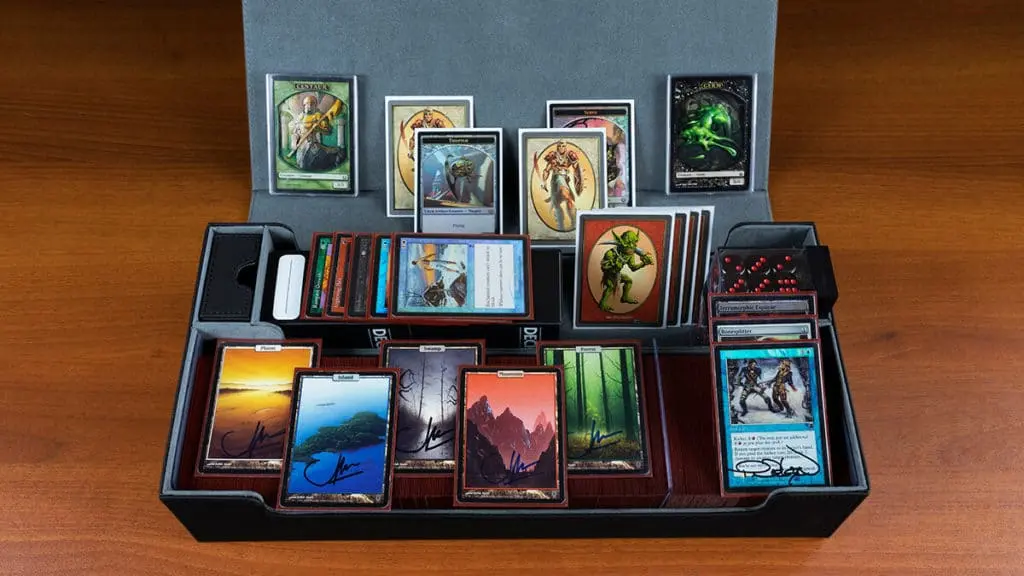
Tokens and reminders: proxies often mean newer mechanics, and newer mechanics mean more game objects. A small token kit saves time.
Fixing consistency: if your cube includes a land pack, keep it consistent in size and sleeve wear.
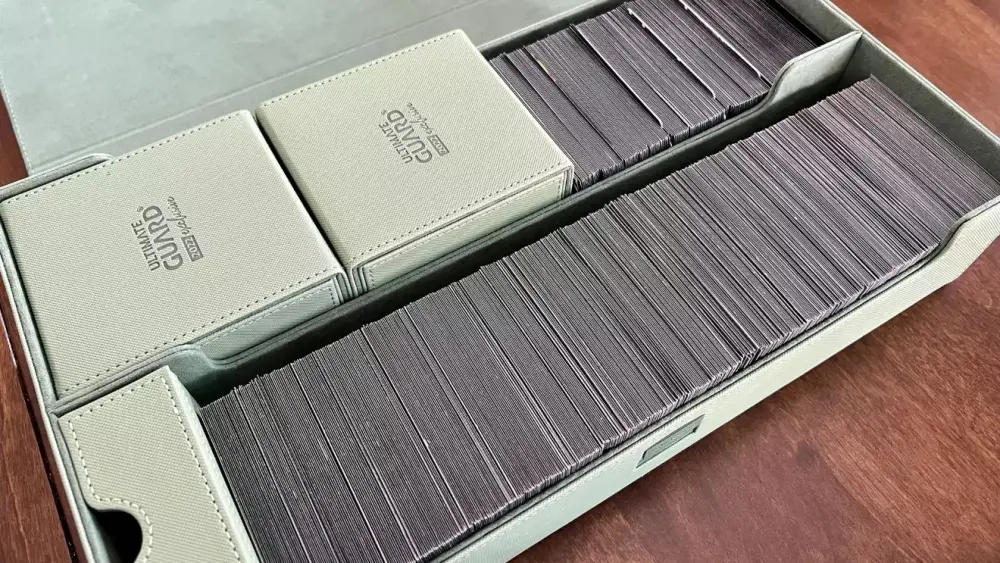
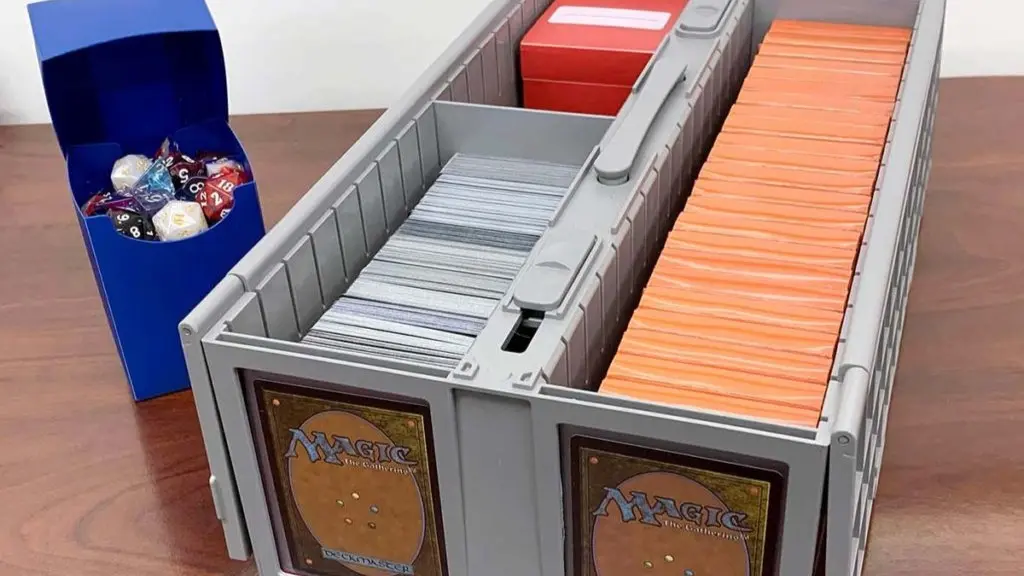
Card order: store the cube in a way that makes swaps easy (color sections, archetype sections, or whatever your brain can maintain).
One last point: if your cube travels to different locations, label your box and your packs. It is shocking how easy it is to leave half a cube on someone’s kitchen table.
FAQs
Do I have to proxy my whole cube?
No. Many cube owners proxy only the expensive cards (power, dual lands, big staples) and run the rest as real cardboard. The real requirement is consistency in sleeves. If your proxies and real cards shuffle the same, you can mix them without issues.
How many proxies is “too many” in a cube?
The number is not the problem. Readability is the problem. A 100% proxy cube can draft beautifully. A 10% proxy cube can be miserable if those ten percent are illegible, inconsistent, or constantly require lookup.
Can I bring a proxy cube to my LGS?
Usually yes, if the store is treating it as a casual event. Ask first, because stores vary, and the moment something is run as a sanctioned event the rules change. Wizards’ policy is clear that sanctioned events require authentic cards, with only narrow judge issued proxy exceptions.
Do proxies need custom backs?
If you sleeve with opaque backs, the back is mostly irrelevant in play. For a cube, the safest practice is to use opaque sleeves and clearly mark proxies somewhere on the card so they are not confused for authentic cards later.
What about double faced cards in a proxy cube?
Treat them like you would in a normal deck: use fully opaque sleeves or use substitute cards. In a cube, you can also use a clear, consistent method for representing the back face (a checklist style proxy, a flip card insert, or a reference card kept with the cube). The key is that every drafter can understand what they drafted without doing homework mid match.
Closing thought
A cube is supposed to be the opposite of upkeep. It is your custom Limited environment, replayable forever, with friends.
If you adopt three habits, your cube stays fun instead of becoming a maintenance hobby:
Keep a single master list.
Update in patches, not rebuilds.
Make proxies readable and consistent, then stop thinking about them.
Draft the cube. Don’t become the cube.